

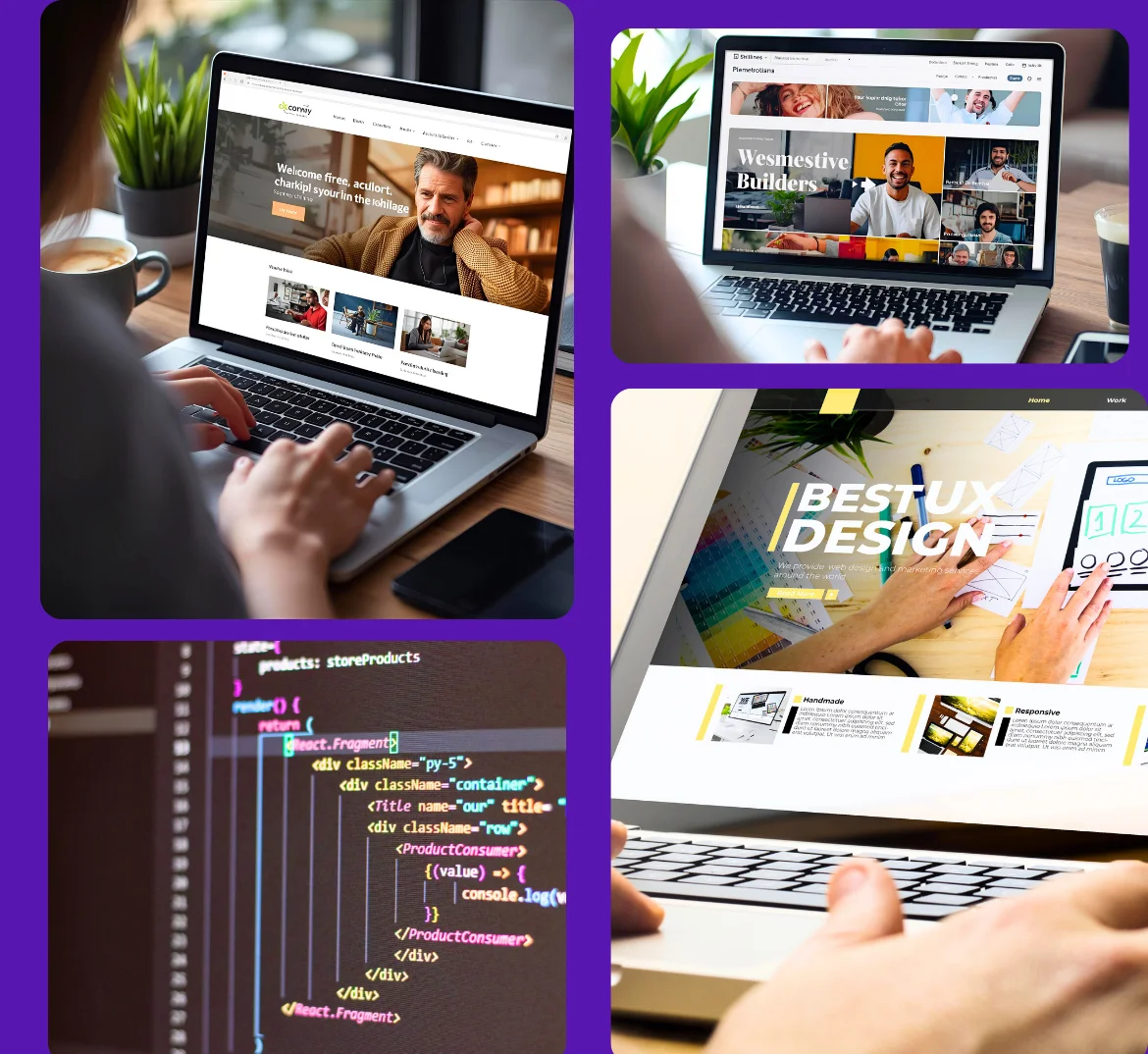
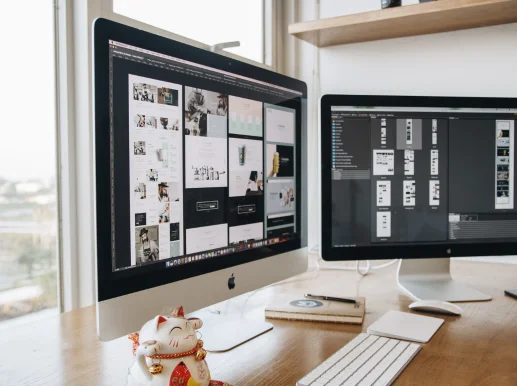

Define Purpose & Goals
Decide whether your site is for blogging, showcasing a portfolio, selling products, or promoting your business. This shapes your design and features.
Map Pages & Content
List the essential pages: Home, About, Services/Shop, Contact, Blog. Write rough content or gather visuals in advance.
Budget & Timeline
Most no-code builders cost between $5–$30 per month, depending on features. With a clear plan, you can often launch a complete site in a single weekend.
Pick a Template That Fits Your Goal
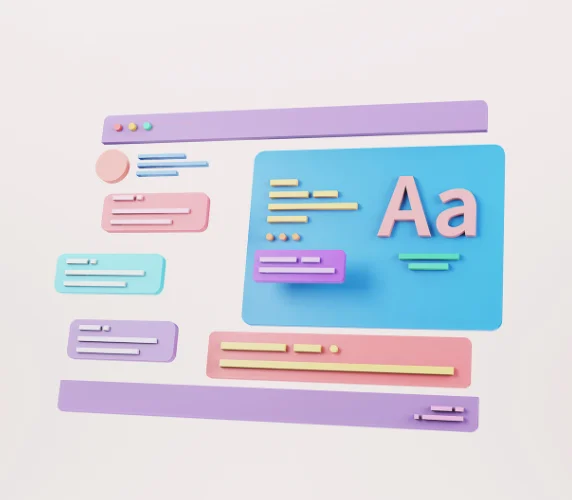
Select a template that matches your industry—whether it’s an online shop, portfolio, or blog. Templates save you time and give your site a professional layout right from the start.
Customize Your Branding & Pages
Add your logo, adjust fonts and colors, and write your text. Update your navigation so visitors can move easily between Home, About, Services, and Contact.
Add Features & Publish
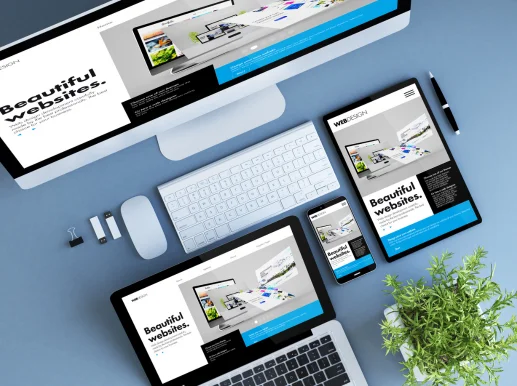
Enhance your site with forms, galleries, or product listings. Preview it on desktop and mobile, then connect your domain and publish when everything looks good.

Skipping Mobile Optimization
With most visitors browsing on their phones, ignoring mobile layout is a critical mistake. Always preview your site on smaller screens to ensure text, images, and buttons display correctly.
Overcomplicating Design
A common trap is to over-design. Clean, minimal layouts not only look professional but also load faster and make navigation easier.