

xTool O1 vs eufyMake E1: Which UV Printer Is Worth It?
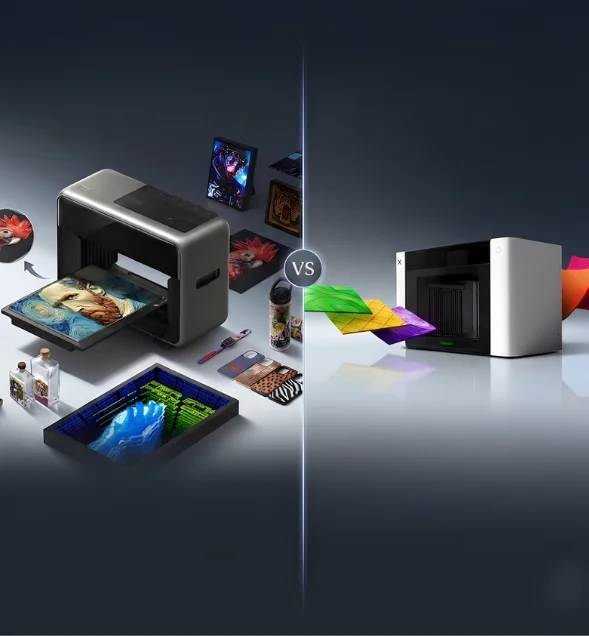
Finding the right desktop UV printer is harder than ever. Both machines promise professional-quality printing from a compact footprint. Let’s see in the xTool O1 vs eufyMake E1 comparison which fares the best in features, real-world performance, costs, and long-term value.
- 09 may
- Callum Hartley
What Matters Before Choosing a Desktop UV Printer
Print Quality Beyond Resolution Numbers
Most desktop UV printers advertise high DPI figures. That alone tells only part of the story. Ink consistency, object positioning, color management, and texture accuracy usually have a greater impact on finished products than resolution alone.
Material Support Shapes Business Potential
A printer that accepts more materials creates more revenue opportunities. Printing on acrylic, wood, leather, glass, metal, fabrics, and UV DTF transfers allows creators to serve different markets without purchasing multiple specialized machines.
Maintenance Costs Matter Long Term
Many first-time buyers underestimate printer maintenance. Automatic ink circulation, printhead protection, and cleaning systems reduce downtime. They also lower the risk of expensive repairs caused by clogged printheads after periods of inactivity.
xTool O1 vs eufyMake E1 Comparison for Every Business
Both printers target creators, makers, and growing businesses. They share several modern features, but each approaches production differently. Looking at individual performance areas gives a much clearer picture than comparing specification sheets alone.
Printing Versatility
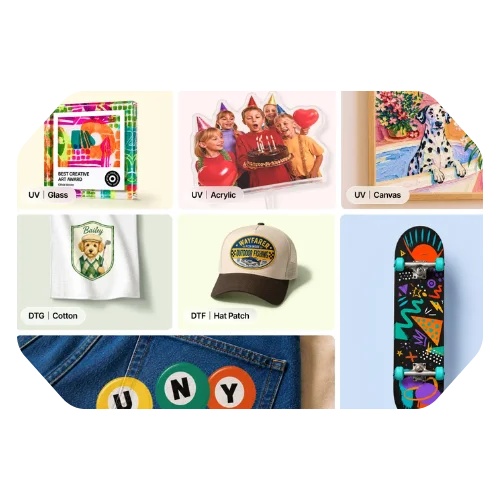
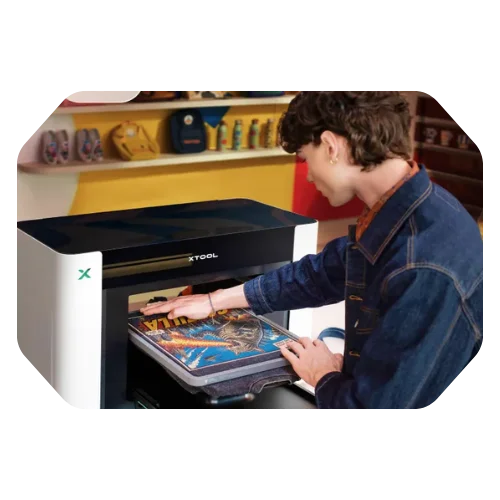
The xTool O1 stands out through its four-in-one workflow. Depending on the edition, it supports UV, UV DTF, DTG, and DTF printing across rigid materials and fabrics. That makes it suitable for businesses producing apparel, drinkware, signs, promotional products, decals, and personalised merchandise from one system.
The eufyMake E1 focuses mainly on UV printing with textured effects across more than 300 compatible materials. While impressive for decorative applications, it does not offer the same production flexibility when businesses expand into fabric printing. For users expecting business growth, the wider workflow gives the xTool O1 a practical advantage, although creators interested only in UV crafts may not require those additional capabilities.
Print Quality and Creative Effects
Both machines produce detailed prints using 1440 DPI-class imaging, but they achieve creative results differently. The xTool O1 combines 7 mm embossed printing with lenticular effects, varnish finishes, commercial G7-certified colour output, and access to more than 2,000 texture presets. Optional accessories also enable rotary printing and foil decoration.
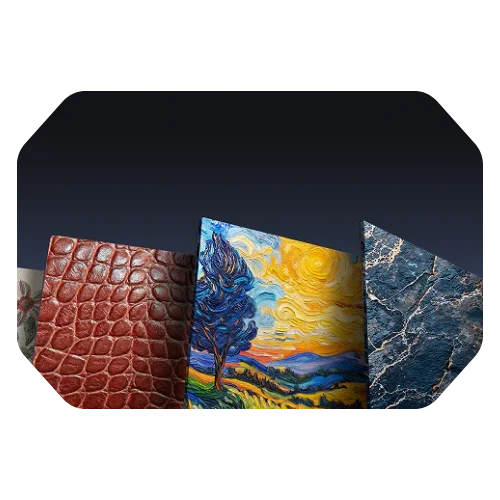
The eufyMake E1 uses its Amass3D technology to create raised textures that resemble brushstrokes, leather, feathers, and stone with convincing depth. Artists creating textured artwork will appreciate that capability. However, businesses producing varied commercial products benefit more from xTool’s broader finishing options without needing separate production equipment.
Workflow and Daily Operation
Daily usability separates good printers from productive ones. The xTool O1 includes Pixel-scan alignment, ±0.2 mm positioning accuracy, automatic white ink circulation, printhead moisture protection, remote maintenance, and automated cleaning functions. Early users consistently praise these features. Designer Bev highlighted how accurately the scanner handled unusual objects, while beta tester Eric Street reported dependable performance across many different materials. Jeremy also noted faster product development after adopting the machine.
The eufyMake E1 answers with dual lasers, a snapshot camera, JetClean self-cleaning, automatic rotary levelling, UV shielding, and air filtration. Both simplify operation, but xTool places greater emphasis on production consistency during extended commercial use.
Long-Term Value for Small Businesses
For anyone researching the best UV printer for small business owners can grow with, expansion matters as much as purchase price. The eufyMake E1 provides an approachable platform for hobby businesses, artists, and creators focused on decorative UV printing. Its template library also shortens the learning curve for beginners.
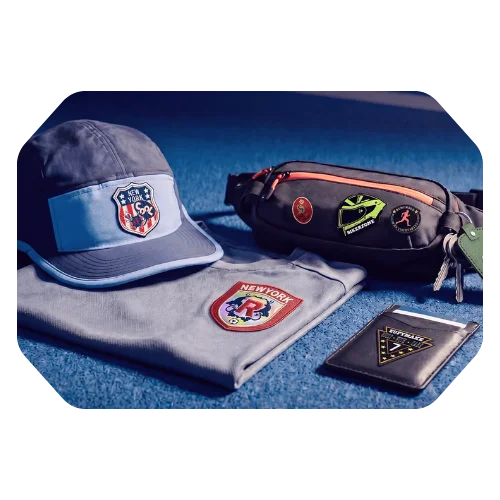
The xTool O1 offers broader earning potential because it supports additional printing methods without requiring another machine later. It also benefits from more than 700 service hubs and demo rooms, giving owners easier access to technical assistance. Although the initial investment is higher, businesses planning to diversify products are likely to recover that difference through wider production capabilities.
Choosing the Better Desktop UV Printer for Growth
Both machines deliver excellent print quality and modern automation. Your final decision should depend on future business goals rather than individual specifications.
If your work centres on textured artwork, personalised gifts, and creative UV projects, the eufyMake E1 review shows a capable printer with thoughtful safety features and an easy learning curve.
The xTool O1 comparison points towards a more complete production platform. Its four-in-one printing options, commercial colour accuracy, advanced finishing effects, stronger workflow automation, and extensive support network make it a better fit for businesses expecting to expand. For creators who want one machine capable of handling far more than standard UV printing, xTool provides the stronger long-term investment.
