

Website Publisher!

When PDFs Become a Productivity Bottleneck

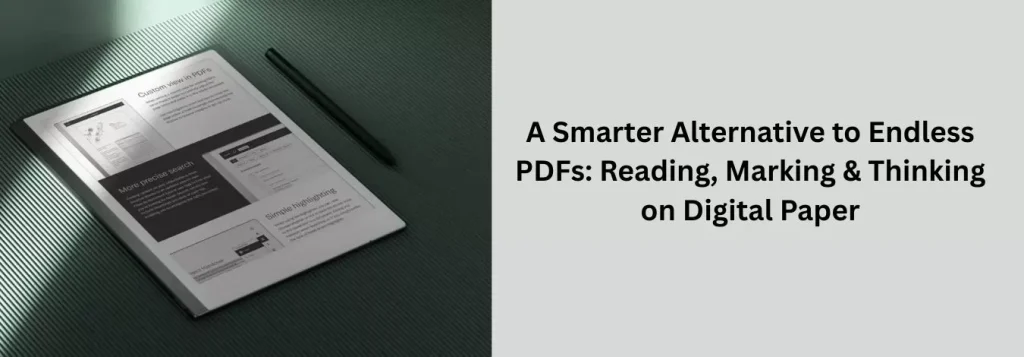
PDFs are everywhere—reports, research papers, contracts, proposals, and presentations. For many professionals, reading PDFs means long hours on backlit screens, constant scrolling, and clumsy annotation tools. Important insights get buried, focus fades, and documents turn into passive reading instead of active thinking. Digital paper offers a smarter alternative: a calm, paper-like way to read, mark up, and think through PDFs—without distraction.

Traditional PDF Workflows vs Digital Paper: A Reading Comparison

Most professionals rely on laptops, tablets, or printed PDFs. Digital paper simplifies and improves the experience.

Feature

Distractions


Reading comfort

Annotation

Focus

Document organization

Review process

Portability

Retention

Laptops, Tablets & Printouts

Emails, alerts, multitasking

Backlit, eye-straining

Clunky tools or pen & paper

Frequent interruptions


Folders & downloads

Passive scrolling

Laptop or paper stacks

Easy to skim and forget

Digital Paper (reMarkable)

None

Paper-like, glare-free

Natural handwritten markup

Deep, sustained attention

Centralized document library

Active reading & thinking

Lightweight, all-in-one

Encourages deeper understanding

Why Digital Paper Is Essential for Working With PDFs

How Professionals Use Digital Paper for PDF Work

Digital paper transforms PDFs from static files into interactive thinking tools.

Reading Without Fatigue

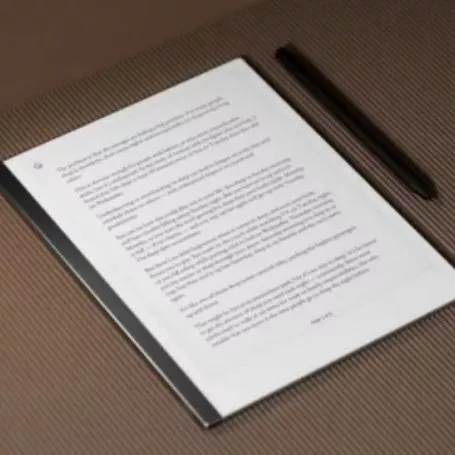
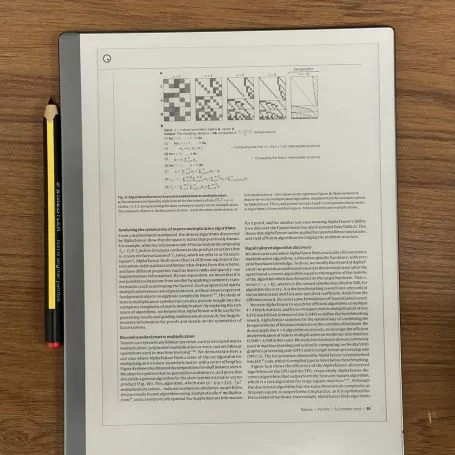
Professionals read long reports and papers on digital paper without the glare and fatigue of traditional screens. The experience feels closer to paper, allowing for longer, more focused reading sessions.

Marking & Annotating Naturally

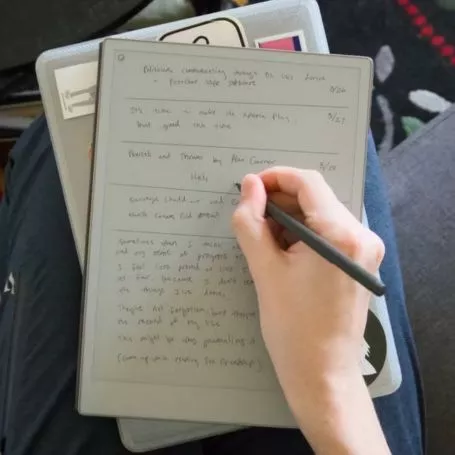
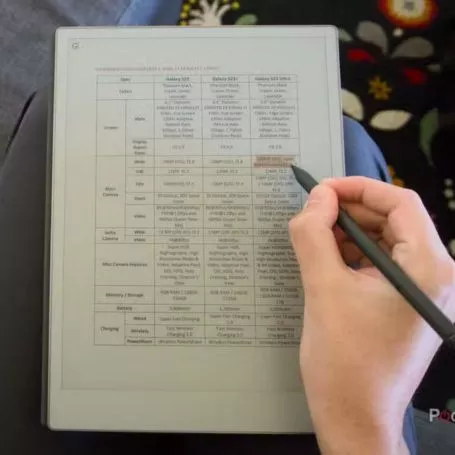
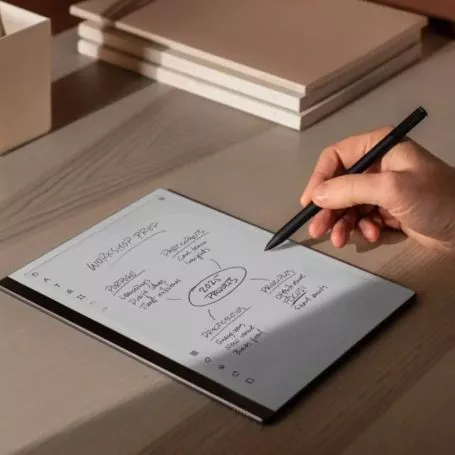
Instead of clicking annotation icons or typing comments, users mark PDFs by hand—underlining, circling, sketching, and writing notes directly on the page. This keeps thinking connected to the content.

Thinking Through Complex Material

Digital paper supports margin notes, diagrams, and freeform sketches. Professionals use it to work through arguments, compare ideas, and develop insights while reading.

Reviewing & Revisiting Key Sections

Annotated PDFs are easy to revisit later. Highlights and handwritten notes guide attention back to the most important sections, saving time during reviews.

Organizing Documents for Ongoing Work

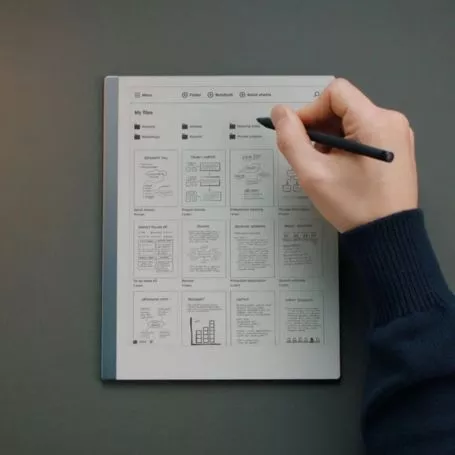
PDFs can be grouped by project, client, or topic, creating a clear library of working documents rather than a cluttered downloads folder.

What Users Are Saying

Rated 5 out of 5
“I finally stopped printing long reports.”

— Emma R.
Policy Analyst
Rated 5 out of 5
“Reading PDFs feels focused again.”
— Jason L.
Management Consultant
Rated 5 out of 5
“My annotations actually help me think.”

— Clara N.
Researcher

Conclusion

PDFs don’t have to be overwhelming or passive. Digital paper transforms how professionals read, mark, and think through documents—offering clarity without clutter. By replacing endless scrolling and screen fatigue with a calm, paper-like experience, reMarkable makes working with PDFs more intentional, focused, and effective. It’s not just a better way to read—it’s a better way to think.