




Website Publisher!

When Remote Work Creates More Complexity Than Freedom

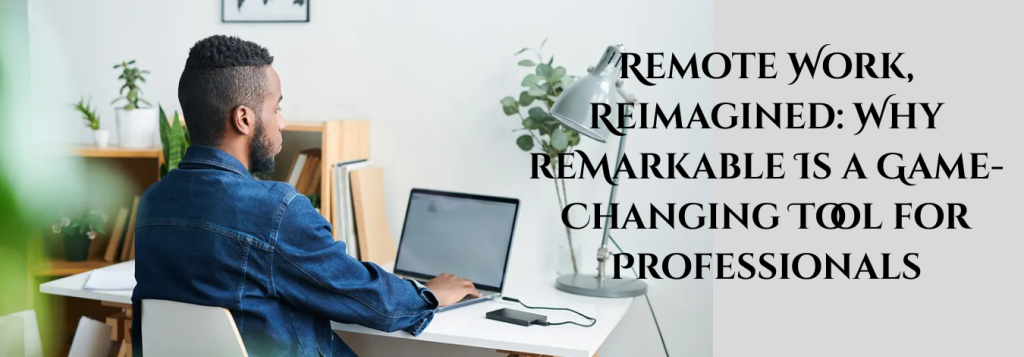
Remote work offers flexibility—but it often comes with fragmented workflows. Professionals juggle video calls, chat apps, shared documents, and endless browser tabs, all while trying to stay focused from home or on the go. Meetings blend into messages, notes get lost across platforms, and project thinking becomes reactive. reMarkable changes this experience by giving remote professionals a dedicated space for focused thinking, clear documentation, and intentional work—without digital distractions.

Typical Remote Work Tools vs reMarkable: A Productivity Comparison

Remote professionals usually rely on laptops, tablets, and phones for everything. Comparing that setup with a reMarkable-centered workflow shows why it feels fundamentally different.

Feature

Notifications

Multitasking

Meeting notes

Project thinking

Documentation

Focus level

Laptops, Tablets & Apps

Constant pings

High and distracting

Typed, scattered

Fragmented across tools

App-dependent

Easily interrupted

reMarkable

None

Single-purpose focus

Handwritten and organized

Centralized in one place

Simple and intentional

Deep and sustained

Why reMarkable Is Game-Changing for Remote Professionals

How Professionals Use reMarkable for Remote Work

reMarkable fits naturally into remote workflows, supporting clarity and focus across meetings, documentation, and project work.

Meetings Without Distractions

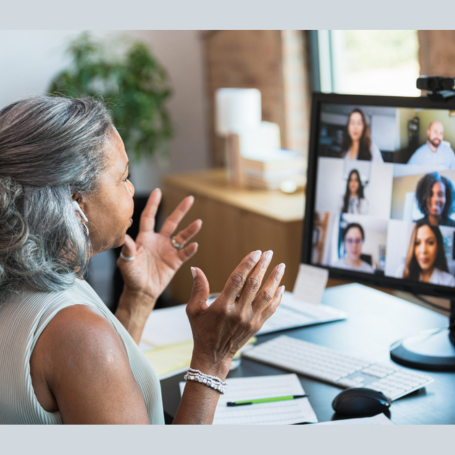
During video calls, reMarkable removes the temptation to multitask. Without emails or chat notifications, professionals stay fully present, capture clearer notes, and engage more effectively in discussions. Action items and decisions are documented accurately, making follow-ups easier and more reliable.

Clear Documentation & Knowledge Capture

reMarkable provides a clean space for documenting processes, ideas, and decisions. Writing by hand improves comprehension and retention, helping professionals create more thoughtful documentation without the pressure of formatting or switching tools.

Project Planning & Strategic Thinking

For complex projects, reMarkable acts as a focused thinking surface. Brainstorming, outlining, and mapping ideas feels natural and uninterrupted. This supports better planning, clearer priorities, and more intentional project execution—especially valuable in remote settings.

Reviewing, Reading & Collaboration Prep

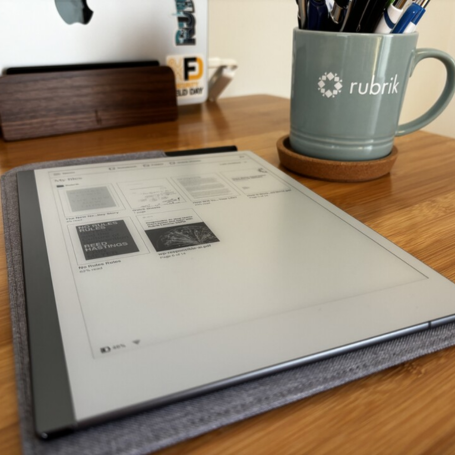
Professionals use reMarkable to review documents, annotate PDFs, and prepare for meetings or presentations. Without digital noise, it’s easier to absorb information, reflect critically, and arrive prepared for collaboration.

What Remote Professionals Are Saying

Rated 5 out of 5
“My meetings are more focused and productive now.”

Sarah L
Operations Manage
Rated 5 out of 5
“I finally have one place for all my remote work notes.”

James P
Consultant
Rated 5 out of 5
“It helps me think clearly without juggling apps.”

Nina K.
Product Strategist

Conclusion

Remote works best when focus and clarity are protected. reMarkable gives professionals a distraction-free space for meetings, documentation, and project thinking—helping remote work feel structured rather than scattered. In a digital-heavy work environment, reMarkable isn’t just another tool—it’s a game-changing way to work with intention, clarity, and control.
